First things first:
– To install the program, unpack it into any directory and execute setup_writingway.bat
– To start it after installation, execute start.bat
You only need to set it up once. The setup creates a virtual environment that installs everything the program needs to run.
Writingway now has a new options menu and a text analysis editor. It also has new dependencies, so the installation files needed to be updated. Let’s look at the new features and see how they work.
The preferences window now has 3 tabs with the usual provider and appearance settings. Apart from the layout, the support for 8 languages is new.
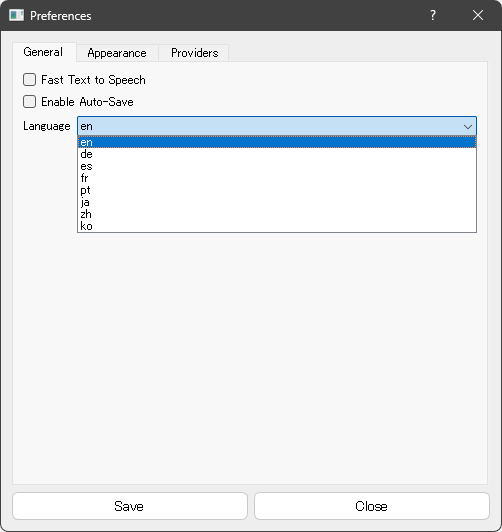
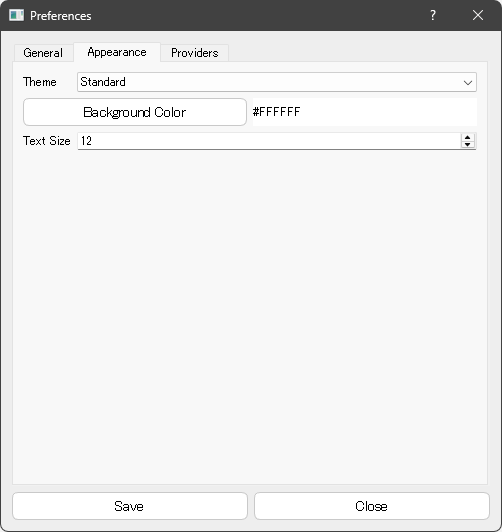
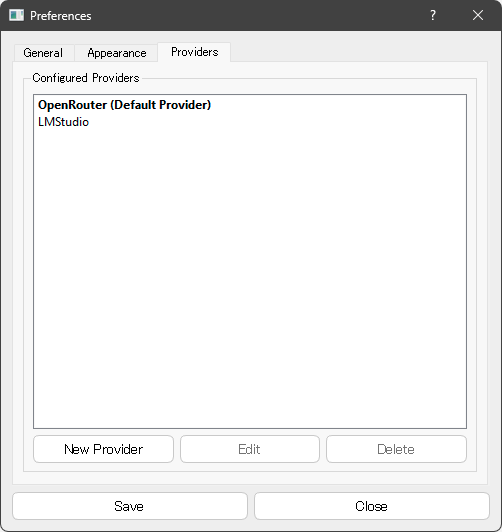
Inside the project, you now see a new button on top, in the toolbar, right next to the save and load buttons.
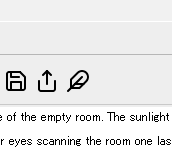
The feather option you see here opens a new window that grabs your current scene and opens it in an editor with some analysis functions.
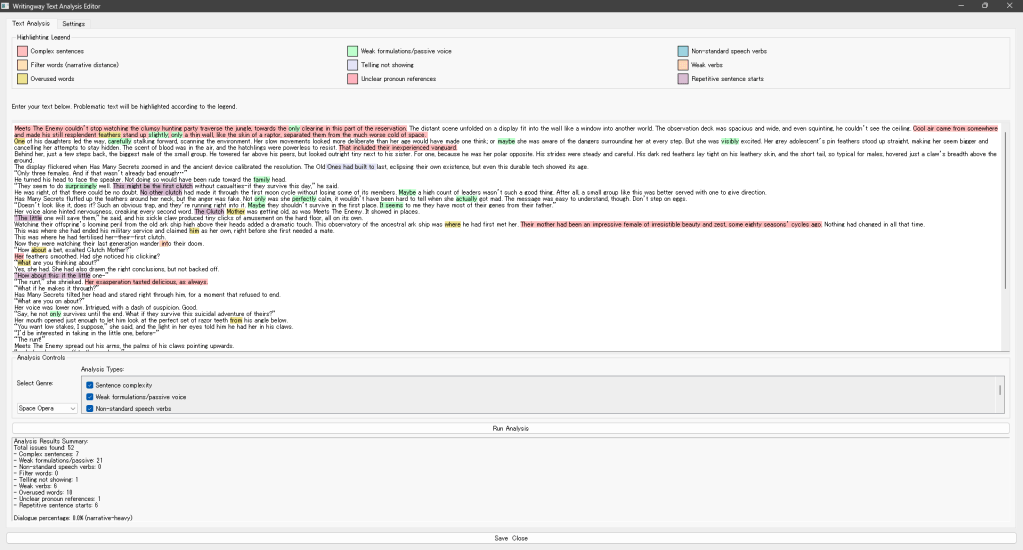
It does a few things you can toggle on or off separately, such as marking sentences that are more complex than the suggested reading level of the genre you can pick from a list, it marks words that increase narrative distance, show up repeatedly, warn you about show-don’t-tell issues, and so on. You don’t need to hook it up to an LLM to perform these checks.
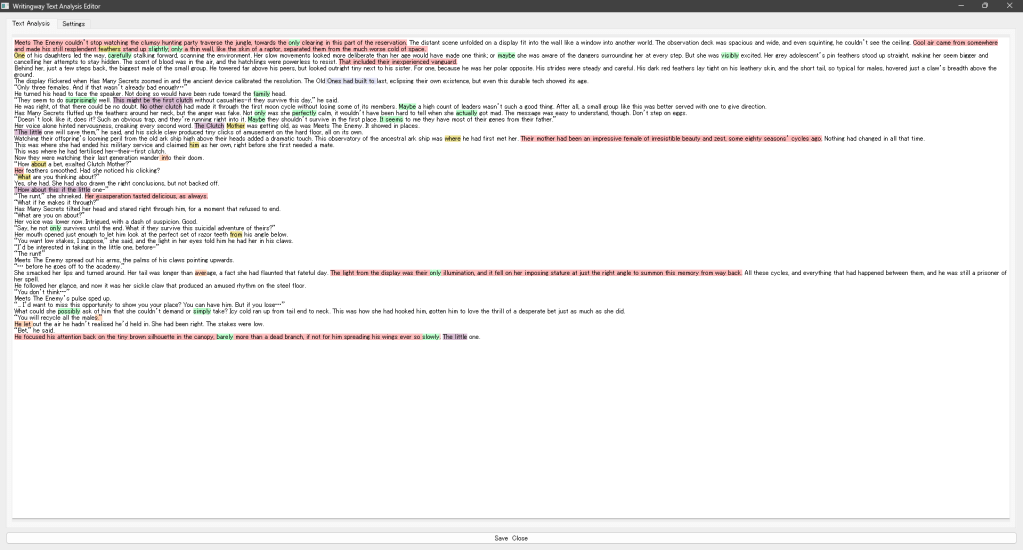
As usual, you can drag splitters to show or hide the panel on top or bottom and enlarge the text’s space, to give you a better overview of the scene as a whole.
There are more future additions I’d like to implement, but for now, this is it. The support for other languages needs to be expanded and tooltips etc included in this, but it’s a start.
 A. Omukai
Cool project! I have it running, but when I try to save something in the Compendium I get the following error:
Failed to save compendium data: ‘QTreeWidgetItem’ object has no attribute ‘topLevelItem’
Any ideas?
LikeLike